
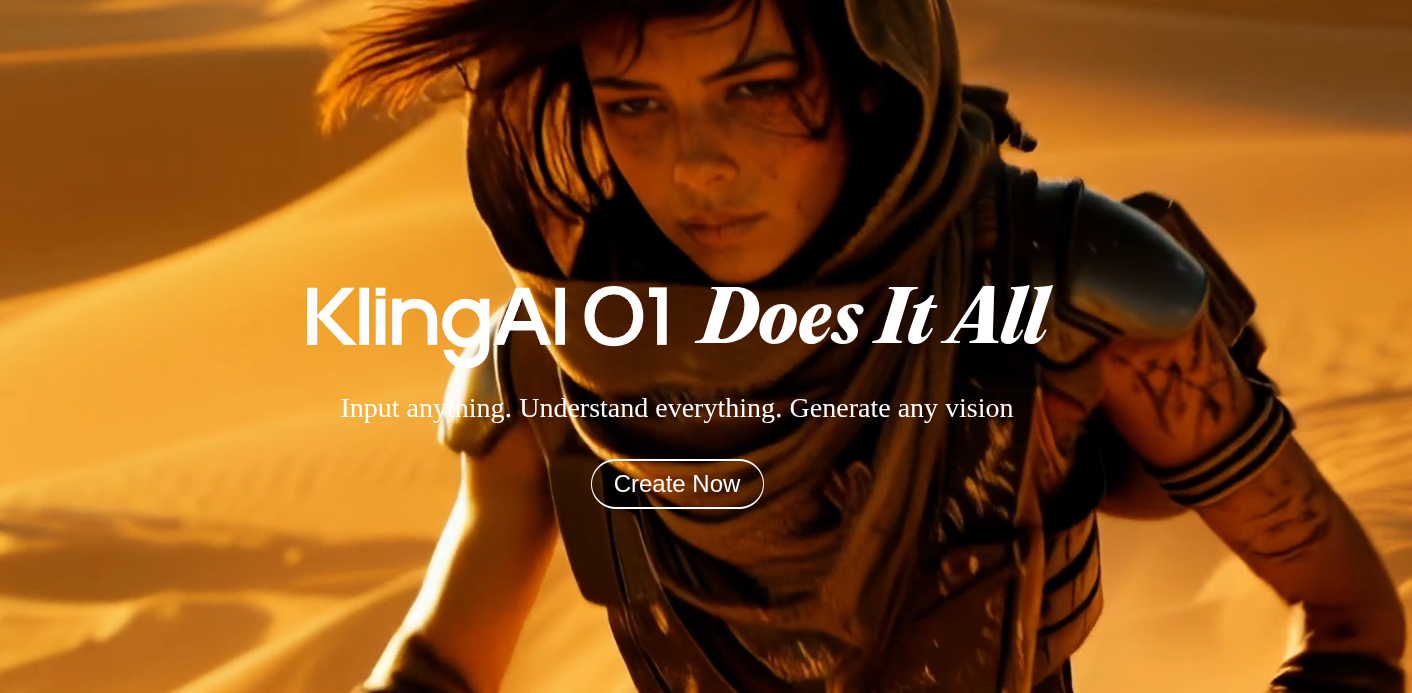
วิธีใช้ Kling AI 3.0: คู่มือสร้าง AI Video ฉบับสมบูรณ์
สอนใช้ Kling AI ตั้งแต่สมัคร จนถึงสร้างวิดีโอ 4K พร้อม Multi-Shot และ Audio — รวม tips และข้อผิดพลาดที่ต้องระวัง
Kling AI คืออะไร?
Kling AI คือ AI Video Generator จาก Kuaishou ที่สร้างวิดีโอ 4K พร้อม audio ได้ในคำสั่งเดียว — เปิดตัว version 3.0 เมื่อ 4 กุมภาพันธ์ 2026 มาพร้อมฟีเจอร์ Multi-Shot ที่ทำให้สร้างวิดีโอหลายมุมกล้องได้โดยไม่ต้อง edit
บทความนี้จะสอนใช้งานตั้งแต่เริ่มต้นจนเป็นมืออาชีพ!
🚀 Step 1: สมัครและเริ่มต้น
1.1 สมัครบัญชี
- ไปที่ Kling AI
- คลิก Sign Up หรือ Get Started
- สมัครด้วย Email หรือ Google Account
- ยืนยัน Email
1.2 เข้าใจ Credit System
Kling ใช้ระบบ Credit — ยิ่งวิดีโอคุณภาพสูงและยาว ยิ่งใช้ credit เยอะ
| ประเภท | 5 วินาที | 10 วินาที |
|---|---|---|
| Standard (720p) | 10 credits | 20 credits |
| Professional (1080p) | 35 credits | 70 credits |
| Pro + Audio | ~100 credits | ~200 credits |
Free Plan ได้ 66 credits/วัน (ใช้ไม่หมดไม่สะสม)
🎬 Step 2: Text-to-Video
วิธีพื้นฐานที่สุดคือพิมพ์ prompt แล้วให้ Kling สร้างวิดีโอ
2.1 วิธีทำ
- เลือก Create > Video > Text to Video
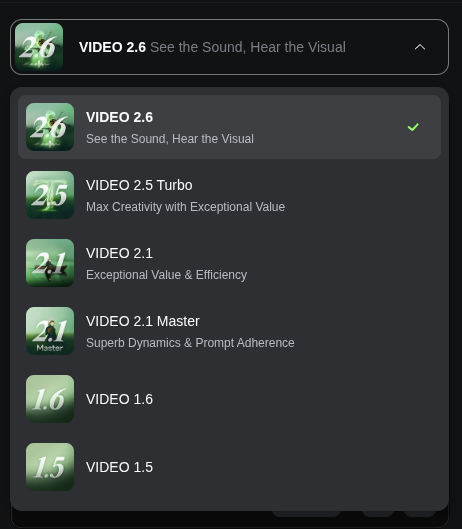
- เลือก Model: Kling 3.0 (หรือ Kling 3.0 Omni ถ้าต้องการ audio)
- พิมพ์ Prompt ภาษาอังกฤษ
- ตั้งค่า Duration (5-15 วินาที)
- เลือก Aspect Ratio (16:9, 9:16, 1:1)
- คลิก Generate
2.2 Prompt Tips
❌ Prompt แย่:
A cat✅ Prompt ดี:
A fluffy orange cat sitting on a windowsill,
golden hour sunlight streaming through the window,
the cat slowly turns its head and blinks,
cinematic lighting, shallow depth of field, 4K
สูตร Prompt:
[Subject] + [Action] + [Setting] + [Lighting] + [Camera/Style]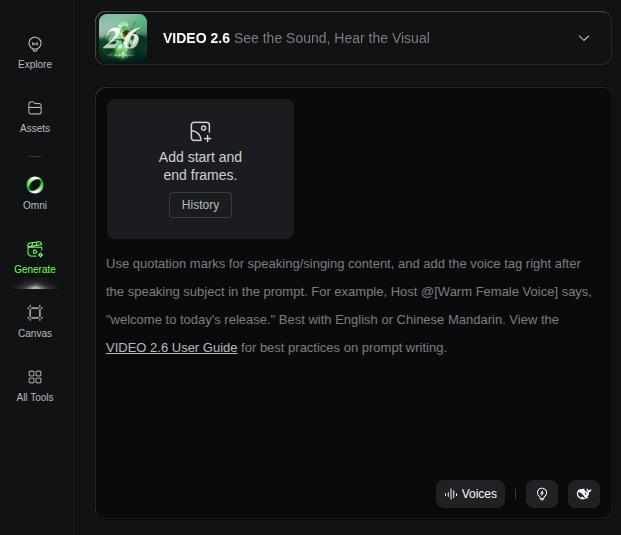
🖼️ Step 3: Image-to-Video
ถ้ามีรูปอยู่แล้ว สามารถให้ Kling ทำให้เคลื่อนไหวได้
3.1 วิธีทำ
- เลือก Create > Video > Image to Video
- Upload รูปภาพ (PNG, JPG)
- พิมพ์ Prompt อธิบายว่าอยากให้เคลื่อนไหวยังไง
- เลือก Motion Strength (Low/Medium/High)
- คลิก Generate
3.2 Tips
- ใช้รูป ความละเอียดสูง (อย่างน้อย 1080p)
- รูปที่มี พื้นหลังชัดเจน ผลลัพธ์ดีกว่า
- Motion Strength Medium เหมาะสำหรับส่วนใหญ่
- Prompt ควรบอก ทิศทางการเคลื่อนที่ เช่น “slowly walks toward camera”
🎬 Step 4: Multi-Shot Storyboard (ฟีเจอร์เด่น!)
ฟีเจอร์ที่ทำให้ Kling 3.0 โดดเด่นกว่าคู่แข่ง — สร้างวิดีโอที่มีหลาย shot ในครั้งเดียว
4.1 วิธีทำ
- เลือก Create > Video > Multi-Shot
- กำหนด จำนวน Shot (สูงสุด 6)
- เขียน Prompt แต่ละ Shot แยกกัน
- Upload Reference Image สำหรับ character (ถ้ามี)
- คลิก Generate
4.2 ตัวอย่าง Multi-Shot Prompt
Shot 1: Wide shot - A young woman in red dress
        enters a modern coffee shop
Shot 2: Close-up - Her face, she smiles while
        looking at the menu board
Shot 3: Over-the-shoulder - Barista taking her order
Shot 4: Detail shot - Espresso being poured into a cup
Shot 5: Medium shot - She receives the coffee,
        says thank you
Shot 6: Wide shot - She sits by the window,
        sipping coffee, looking outside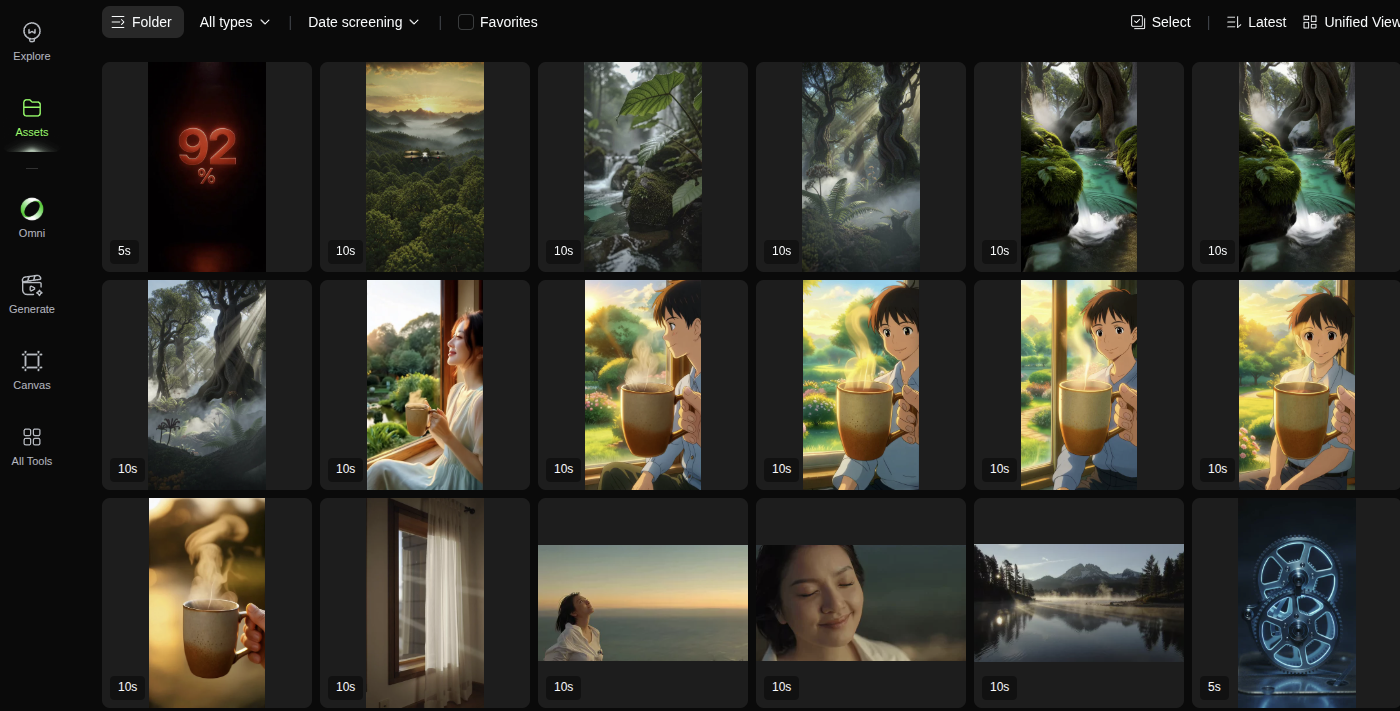
4.3 Tips
- Shot 1 ควรเป็น Wide shot เพื่อ establish scene
- สลับระหว่าง Wide, Medium, Close-up ให้หลากหลาย
- ใช้ Elements (Step 5) เพื่อรักษาหน้าตา character
🎭 Step 5: Elements (Character Consistency)
ทำให้ตัวละครหน้าตาเหมือนกันทุก shot
5.1 วิธีใช้
- ไปที่ Elements > Create New
- Upload รูป character (หน้าตรง, ชัดเจน)
- ตั้งชื่อ Element
- เวลา Generate ให้เลือก Element ที่สร้างไว้
5.2 Tips
- รูป reference ควร หน้าตรง, แสงดี, พื้นหลังเรียบ
- สร้าง Element แยกสำหรับแต่ละ character
- รองรับ สูงสุด 3 คน ในฉากเดียว
🔊 Step 6: Audio Generation (Kling 3.0 Omni)
สร้างเสียงพูด, ambient sound, และ sound effects พร้อมวิดีโอ
6.1 วิธีใช้
- เลือก Model: Kling 3.0 Omni
- ใน Prompt ให้ระบุ:
- Dialogue: ใส่คำพูดใน “quotes”
- Ambient: บอกสภาพแวดล้อม เช่น “busy cafe sounds”
- SFX: บอก sound effect เช่น “coffee machine hissing”
- เลือก Voice Profile (ถ้าต้องการเสียงเฉพาะ)
6.2 ตัวอย่าง Prompt พร้อม Audio
A barista in a busy cafe prepares coffee.
She says "Here's your latte, enjoy!"
Background: cafe ambient sounds, soft jazz music
SFX: espresso machine hissing, cups clinking
6.3 Voice Binding
ถ้าต้องการให้ตัวละครมีเสียงเฉพาะ:
- ไปที่ Elements > เลือก Character
- Upload Voice Sample (5-10 วินาที)
- ระบบจะ clone เสียงและใช้ตลอด
ภาษาที่รองรับ: อังกฤษ, จีน, ญี่ปุ่น, เกาหลี, สเปน
⚠️ ข้อผิดพลาดที่ต้องระวัง
❌ 1. ใช้ Pro mode ตลอด
ปัญหา: Credit หมดเร็วมาก (3-5x)
แก้: ใช้ Standard mode สำหรับ test/draft ก่อน, Pro mode สำหรับ final เท่านั้น
❌ 2. Prompt ยาวเกินไป
ปัญหา: Kling จะ ignore รายละเอียดส่วนท้าย
แก้: Prompt ไม่ควรเกิน 200 คำ, เน้นสิ่งสำคัญไว้ข้างหน้า
❌ 3. ไม่ใช้ Reference Image
ปัญหา: Character หน้าตาเปลี่ยนทุก shot
แก้: ใช้ Elements ทุกครั้งที่มี character
❌ 4. ตั้ง Motion Strength สูงเกิน
ปัญหา: วิดีโอออกมาเบลอ, ผิดรูป
แก้: เริ่มจาก Medium ก่อน, ค่อยปรับ
❌ 5. Generate ซ้ำจนหมด Credit
ปัญหา: Failed generation ก็เสีย credit
แก้: ดู Preview ก่อน Generate, ถ้าไม่มั่นใจให้ปรับ prompt
💡 Pro Tips
Tip 1: ใช้ Seed Number
ถ้าชอบ style ของวิดีโอไหน ให้ copy Seed Number ไว้ใช้ซ้ำ
Tip 2: Negative Prompt
ระบุสิ่งที่ไม่อยากได้ เช่น:
Negative: blurry, low quality, distorted faces,
watermark, text overlay
Tip 3: Extend Video
ถ้าต้องการวิดีโอยาวกว่า 15 วินาที:
- Generate วิดีโอ 15 วินาที
- Export Frame สุดท้าย
- ใช้ Frame นั้นเป็น Input สำหรับ Image-to-Video
- ต่อกันใน Video Editor
Tip 4: Aspect Ratio ตาม Platform
| Platform | Aspect Ratio |
|---|---|
| YouTube | 16:9 |
| TikTok/Reels | 9:16 |
| Instagram Feed | 1:1 หรือ 4:5 |
| Twitter/X | 16:9 |
🎓 สรุป Workflow แนะนำ
1. วางแผน Storyboard (กี่ shot, อะไรบ้าง)
2. สร้าง Elements สำหรับ character
3. เขียน Prompt แต่ละ shot
4. Test ด้วย Standard mode ก่อน
5. ปรับ prompt ตามผลลัพธ์
6. Generate final ด้วย Pro mode + Audio
7. Download และนำไปใช้งาน
Tool ที่แนะนำใช้คู่กัน
| งาน | Tool |
|---|---|
| ตัดต่อวิดีโอ | CapCut, DaVinci Resolve |
| แต่งรูป Reference | Midjourney, Leonardo.ai |
| เพิ่มเสียงพากย์ | ElevenLabs |
| เขียน Script | ChatGPT, Claude |
เริ่มต้นใช้งาน
พร้อมแล้ว? ลองสร้างวิดีโอแรกของคุณเลย!
Free Plan ได้ 66 credits/วัน — พอสำหรับลองเล่น 1-3 วิดีโอต่อวัน
มีคำถามเพิ่มเติม? Comment ด้านล่างได้เลย! 💬